 SynVector
Pen and Bézier tools
Draw precise paths with real anchors and handles, then refine them with Direct Selection and Smart Guides.
Draw with the Pen, cut shapes with Pathfinder, paint with gradients and set type. Open and export SVG, PDF and Illustrator-compatible .ai files. Use it online, or download it for Mac and Windows.
Works best in Chrome or Edge on any computer. No installation.
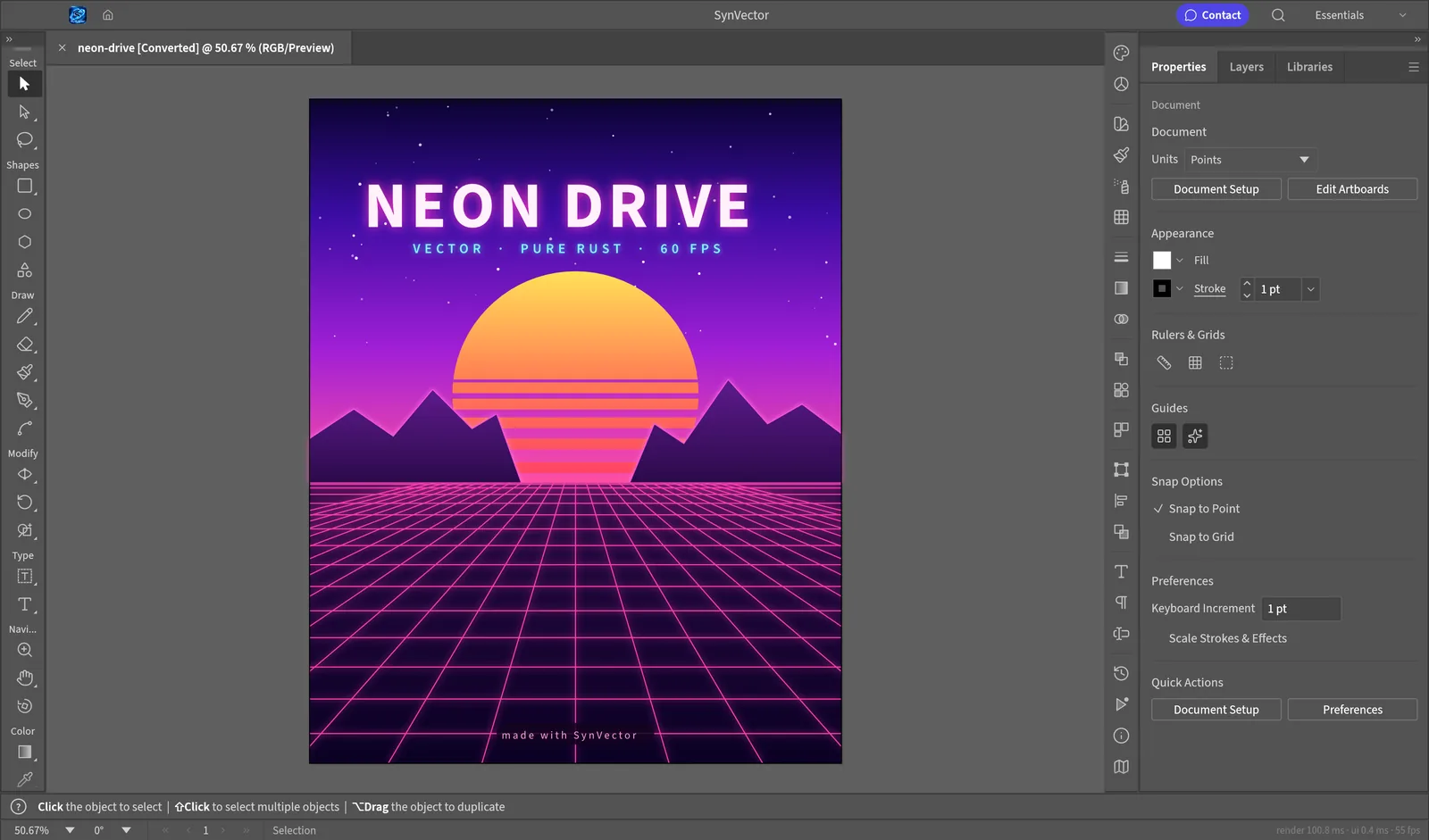
The tools designers already know, in a fast app that runs on any computer.
Draw precise paths with real anchors and handles, then refine them with Direct Selection and Smart Guides.
Unite, subtract and intersect shapes with exact curve maths, so cuts never fail.
Gradients, gradient mesh, live blends, transparency, glows and envelope distort, all editable at any time.
Set headlines and paragraphs with character and paragraph styles, threaded text and right-to-left scripts.
SVG, PDF, Illustrator-compatible .ai, EPS, DXF and Affinity files. Export to SVG, PDF, PNG, JPEG and WebP.
Design a whole set on multiple artboards, and draw on a live perspective grid that stays editable.
Version 0.8.0 alpha. Free, with no account. The online version is the quickest way to start.
The online version runs entirely in your browser. Your files are never uploaded to us.
There's nothing to sign up for, and the editor collects no personal information.
SynVector saves to an open, documented format and to standard SVG and PDF, so you're never locked in.
The site is served over HTTPS from Cloudflare's global network.
Open SynVector in your browser. It's free, with nothing to install.
Open SynVector →